
Settings: Pairing
Use this tab to add another Device to your Home or sign the native Console app in on a phone.
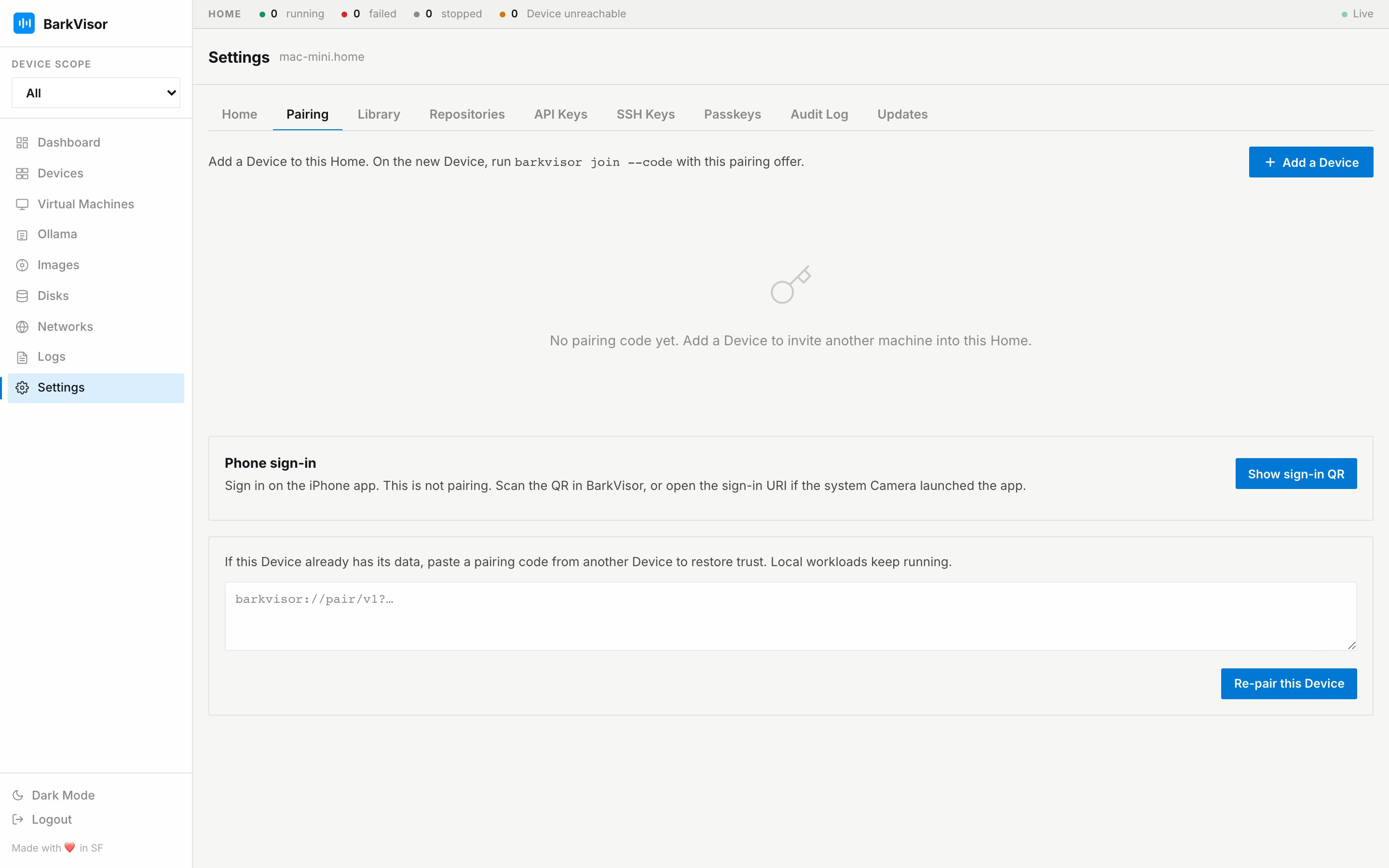
Add a Device
Section titled “Add a Device”- Click Add a Device.
- Choose an address the new Device can reach.
- Copy the full offer beginning with
barkvisor://pair/v1?. - On the new Device, run
barkvisor join --code '…'with that full offer. API-only installs usebarkvisor-agent join --code '…'.
The short code alone is not enough. An offer expires and can be revoked before use. See Home and pairing for the complete flow.
Phone sign-in
Section titled “Phone sign-in”Click Show sign-in QR and scan it with the native Console app. This grants a login session. It does not pair the phone as a Device.
Re-pair this Device
Section titled “Re-pair this Device”Use Re-pair this Device with a fresh offer when this Device needs to join a Home again. Re-pairing does not restore lost workload data.