
Settings
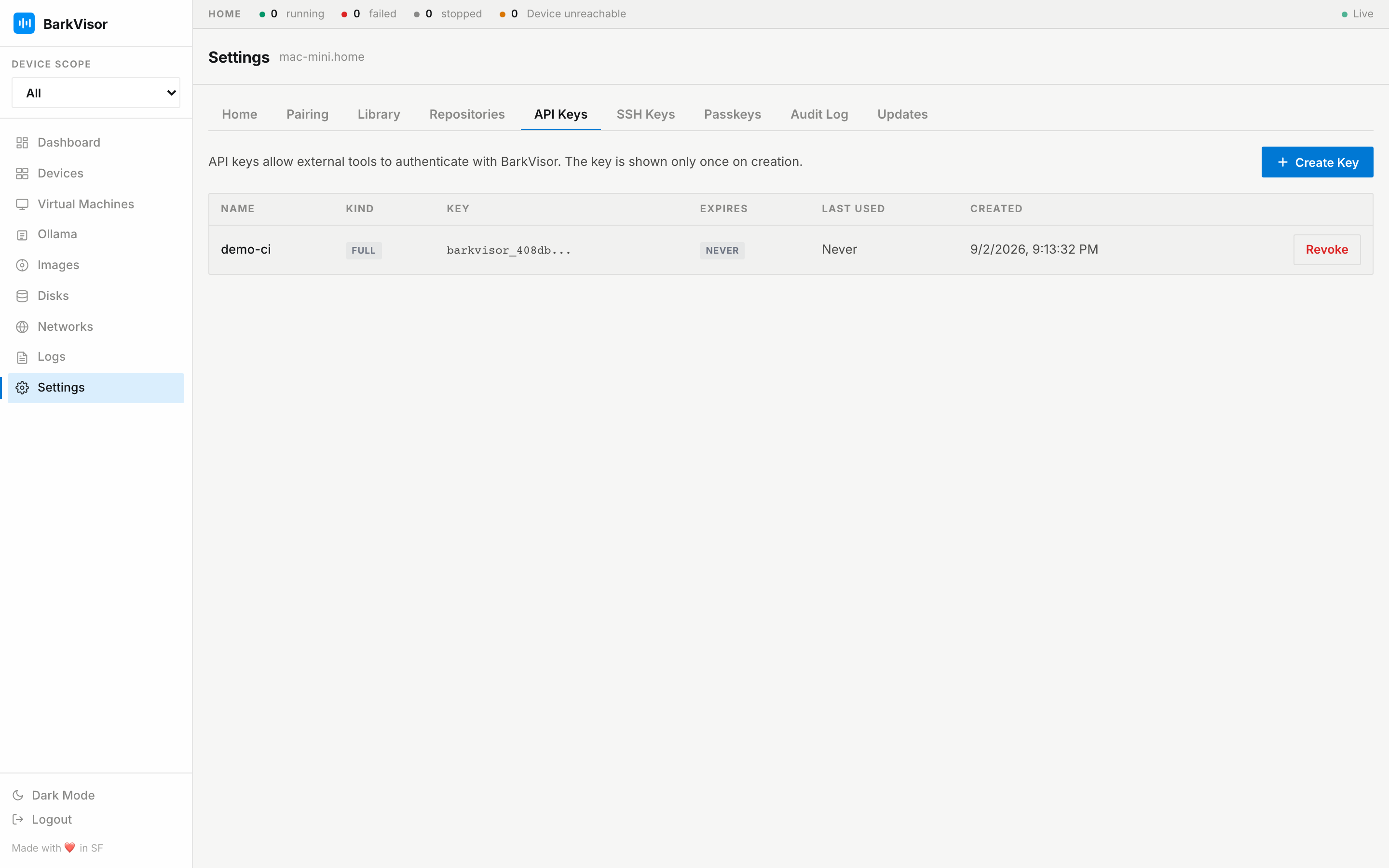
Settings is one page with tabs. Each tab has its own doc page:
| Tab | What it controls |
|---|---|
| Home | Device facts and Device URL — Settings: Home |
| Pairing | Pairing QR to add Devices, phone sign-in — Settings: Pairing |
| Library | Library path — Settings: Library |
| Repositories | Catalog URLs and per-Device sync — Settings: Repositories |
| Security | Require or skip sign-in — Settings: Security |
| Updates | Appliance .deb / .pkg apply on a root Device — Settings: Updates |
| API Keys | API keys for scripts and inference clients — Settings: API Keys |
| SSH Keys | SSH keys injected into guests — Settings: SSH Keys |
| Passkeys | WebAuthn passkeys for web sign-in — Settings: Passkeys |
| Audit Log | Who did what, when — Settings: Audit Log |
Settings is admin-only; the inference role does not see it.
Deep links
Section titled “Deep links”You can bookmark a tab directly, for example /settings?tab=updates. Tab IDs are home, pairing, library, repositories, security, updates, apikeys, sshkeys, passkeys, and audit.
Settings normally opens on API Keys. Sessions that skip sign-in open on Security and hide API Keys and Passkeys. The default VM disk folder is on the Device page.