
Settings: Home
The Home tab is identity and reachability for this Device. It is not where pairing happens — the QR lives on Pairing.
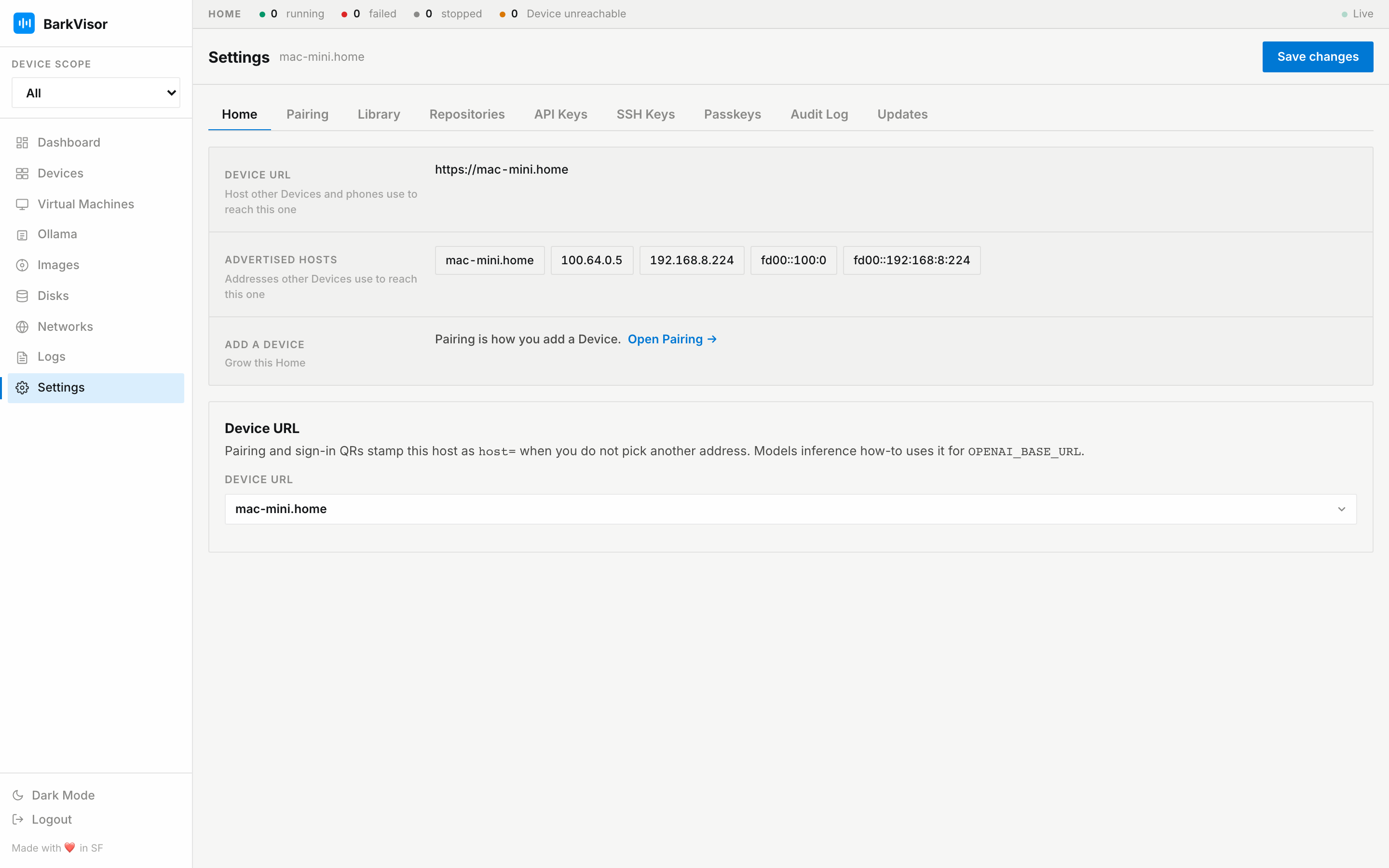
Facts sheet
Section titled “Facts sheet”- Device URL — saved host, shown as
https://<magicdns>with no port when Tailscale MagicDNS is in use, otherwisehttp://<host>:7777 - Advertised hosts — addresses other Devices use to reach this one
- Add a {Device} — shortcut into Pairing
Device URL
Section titled “Device URL”Pick a detected hostname, LAN IP, Tailscale IP, or MagicDNS name, or Other / DNS name…. With Tailscale up and nothing saved, the picker defaults to MagicDNS. That host is stamped on a new pairing or sign-in QR as host= when you do not pick another address, and Models inference how-to uses it for OPENAI_BASE_URL. You can paste https://<device>.ts.net; only the host is stored. The shown Device URL for MagicDNS is https://<magicdns> with no port. LAN stays http://<host>:7777.
Saving this address does not set up HTTPS or change sign-in requirements. Configure access under Settings → Security.
Save changes
Section titled “Save changes”The header button saves Device URL.